Content
1. When can you use the chat?
The Stackgini Chat is your central point of contact whenever you encounter questions or issues while using the platform. Here are some typical situations where the chat is especially helpful:
-
Usage assistance:
You have questions about navigation or using specific features, e.g., how to create initiatives, structure requirements, or submit evaluations. -
Best practices & recommendations:
Through the chat you receive guidance on how to formulate requirements effectively, prepare vendor communication, or coordinate evaluations internally. -
Technical issues:
If the platform does not work as expected, you can report the incident directly via the chat. -
Provide feedback:
Share improvement suggestions, user experiences, or ideas for further development. At https://stackgini.sleekplan.app/ you can also submit product requests and view our current product roadmap.
Note: If the chatbot cannot answer your question, you can always request to be connected with a support team member – you will then be forwarded.
2. Start a chat
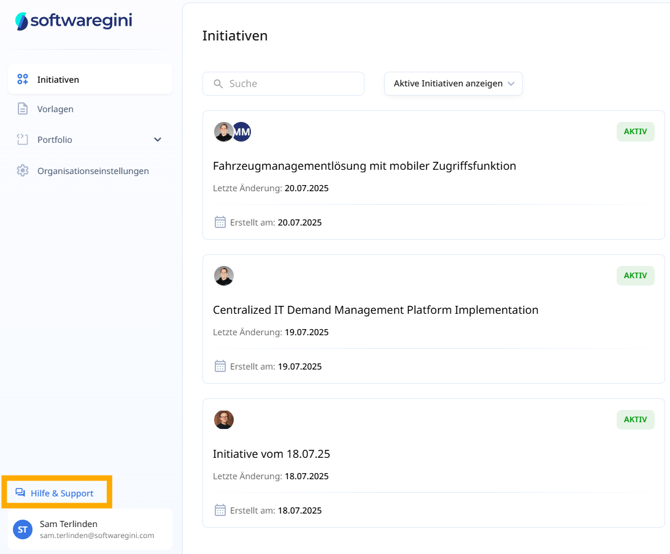
You can find the chat at the bottom right under “Help & Support” in your Stackgini interface. A click on the icon opens the chat window.
3. AI-powered chatbot
As soon as you enter your question, our AI-powered chatbot assists you. The artificial intelligence analyzes your input and provides relevant guidance, directly answers simple questions, or points you to suitable help articles.
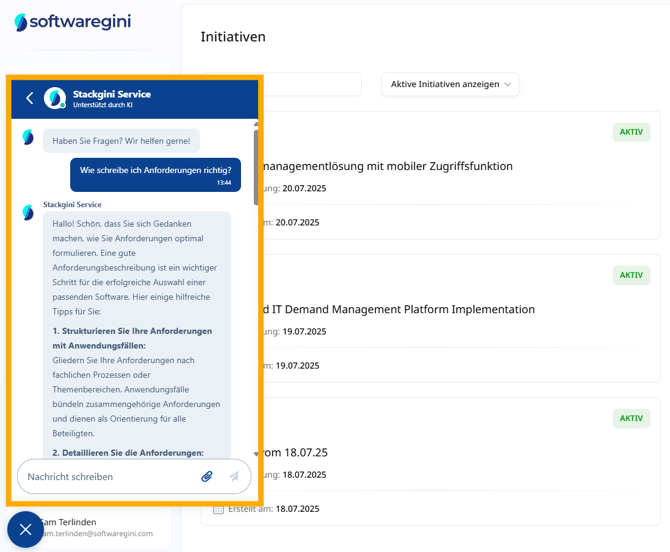
An example of a common question would be:
„How do I write requirements properly?“
The AI chatbot will respond with structured recommendations and, if applicable, link you to further articles.
Here are some of the most common questions users successfully clarify via the chat:
-
„How do I formulate requirements correctly?“
→ The chat provides a structured guide on how to create requirements.
→ To the article: How do I formulate requirements correctly? -
„How do I maintain my application portfolio?“
→ You will receive tips on recording and updating your portfolio applications.
→ To the article: Manage your internal application portfolio -
„How do I contact vendors?“
→ The chat explains the process of vendor communication via Stackgini.
To the article: How do I contact vendors?
4. Help articles in the chat
In many cases, the chatbot links to relevant articles from the Stackgini Help Center. You can open and read these directly in the chat – without leaving the conversation.
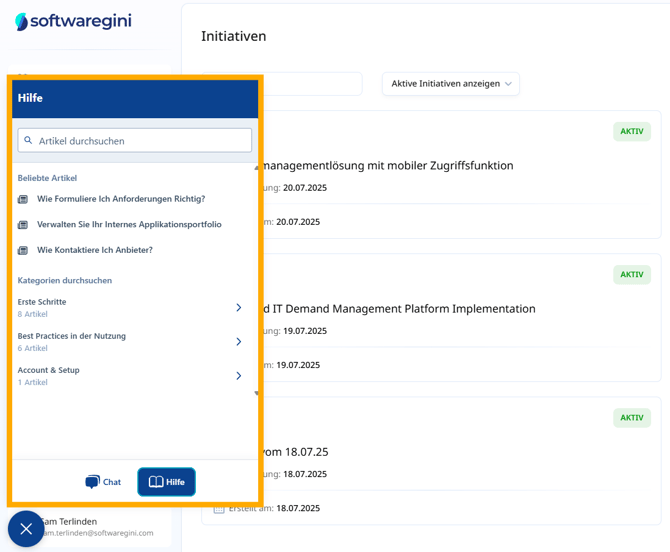
Even without entering a question, you can search specifically for articles in the Help section. Typical topic areas include:
- Getting started with the software
- Best practices in usage
- Account & setup